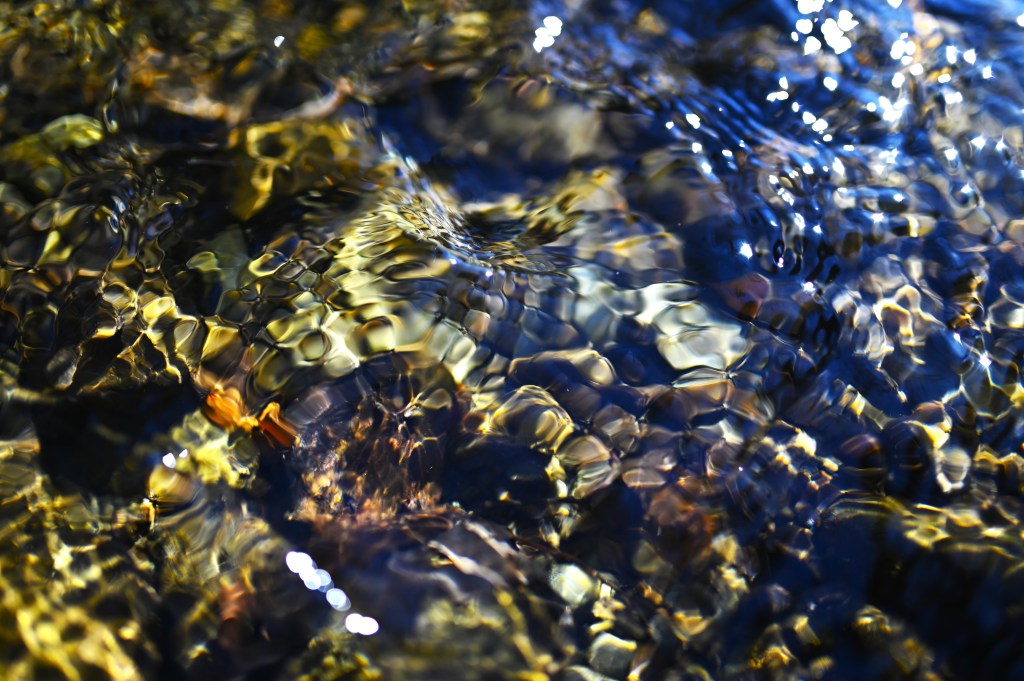
Distorted light dances through the clear cold waters of a mountain stream.
I absolutely love how this photograph turned out. I will attempt to explain how I got this shot and what I did to the original exposure in post processing to create the image you see above.
The setup. I was taking a walk with my family down the road near our home one sunny morning. We were living in the mountains of upstate New York. Most of the roads in the area have ditches on one side or the other of the road and most of the year there is a bit of water flowing in them. Usually only a few centimeters deep at any given time, more in the winter and spring, less or not at all in the summer. On this day, the sun was hitting a spot where a stream from the hillside was flowing into one of these ditches. I set the camera to the following settings:
Aperture: f/1.4
Shutter Speed: 1/800 second
ISO: Lo 1.0 (the lowest setting on the camera)
Lens: 35 mm fixed lens
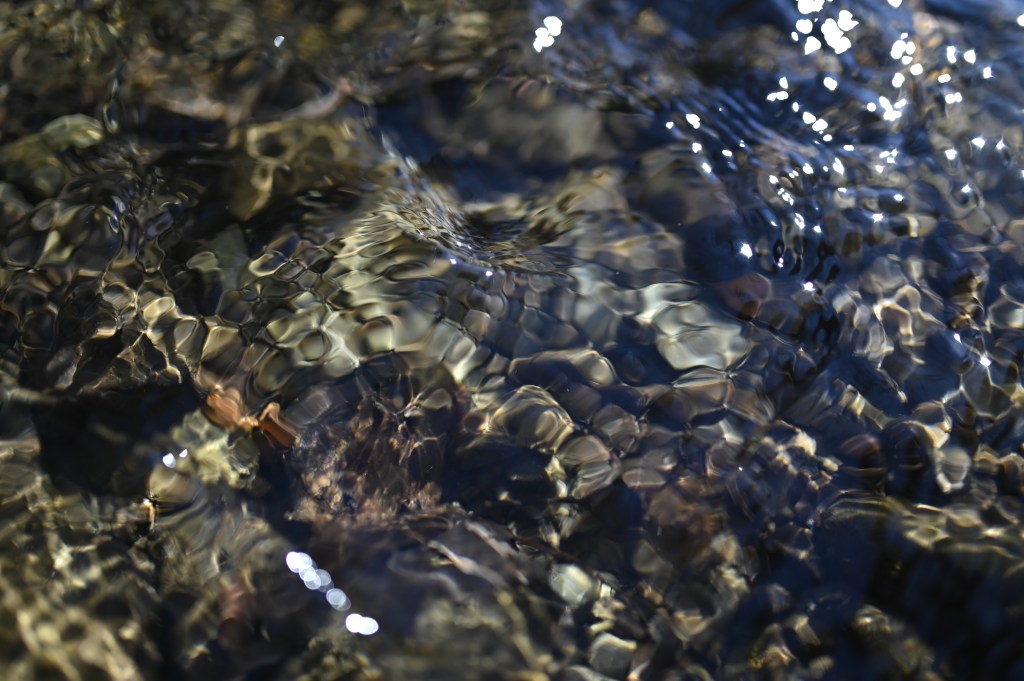
Because the lens is not a zoom lens, I had to get quite close to the water. I carefully straddled the stream and held the front of the lens about 15 cm (6 inches) above the water. I first focused on the rocks beneath the water but I didn’t like how that turned out, so I adjusted the focus to the water’s surface and it instantly looked better. Here is the result before post processing
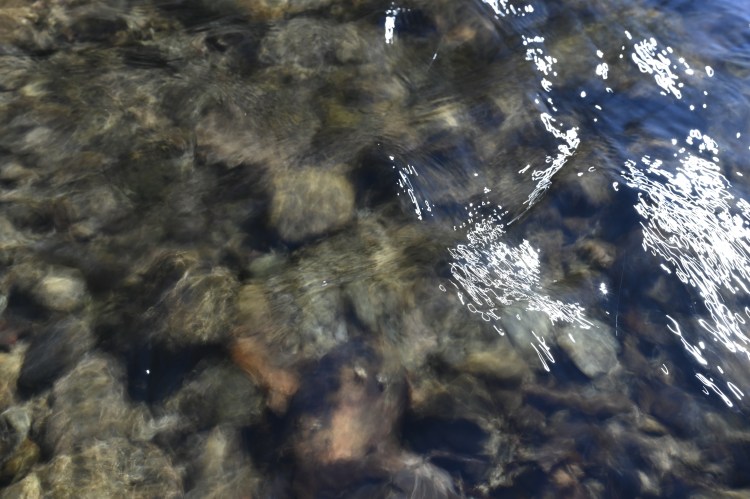
I tried a few more exposures at smaller apertures and longer exposures in an attempt to make the stones more defined but none of them turned out quite as nice. Here is a representative of those shots.
I do not have any neutral density filters, nor do I own a tripod, so my ability to take long exposures is somewhat limited, especially in very bright conditions like I had on this day. I do want to be able to take longer landscape exposures and create time lapses so I have plans to acquire some additional gear but until then, I’ll work with what I have.
Post Processing
I have been capturing my images as .jpeg files and doing my post processing in a program called Gimp. It’s a free and open-source image editing software available at https://www.gimp.org/. It is available on both macOS and Windows operating systems. There’s even a GNU/Linux compatible version.
For this image I did very little because I the original came out so well. I increased the saturation and contrast a bit. I also warmed the overall color temperature for no other reason than I like how it looked. There was nothing in the frame that I didn’t like and my focal point was well positioned so I didn’t crop anything.
 Momentarily Captivated
Leave a comment