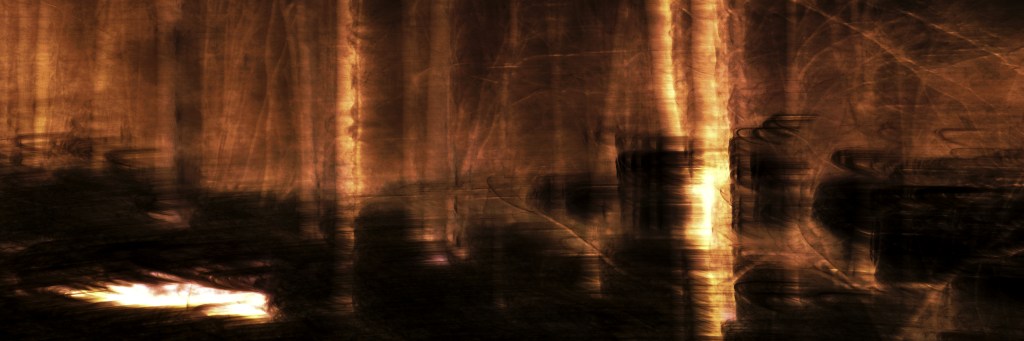
How do you make a picture that looks kind of like a forest fire without burning down the forest? Magic. In this case, digital magic. Keep reading below if you want my attempt at an explanation of the magic. If not, just enjoy the scene for what it is.
First, in the original exposure, I used some intentional camera movement, sort of unintentionally. I wasn’t really trying to capture anything in particular, just kind of moving the camera around, experimenting with the automatic shutter speed setting while locking my aperture and ISO settings. The light was quite low as it was early morning when I was shooting. The particular exposure that this forest fire picture came from had a lot overexposed background sky. Here’s the original exposure.
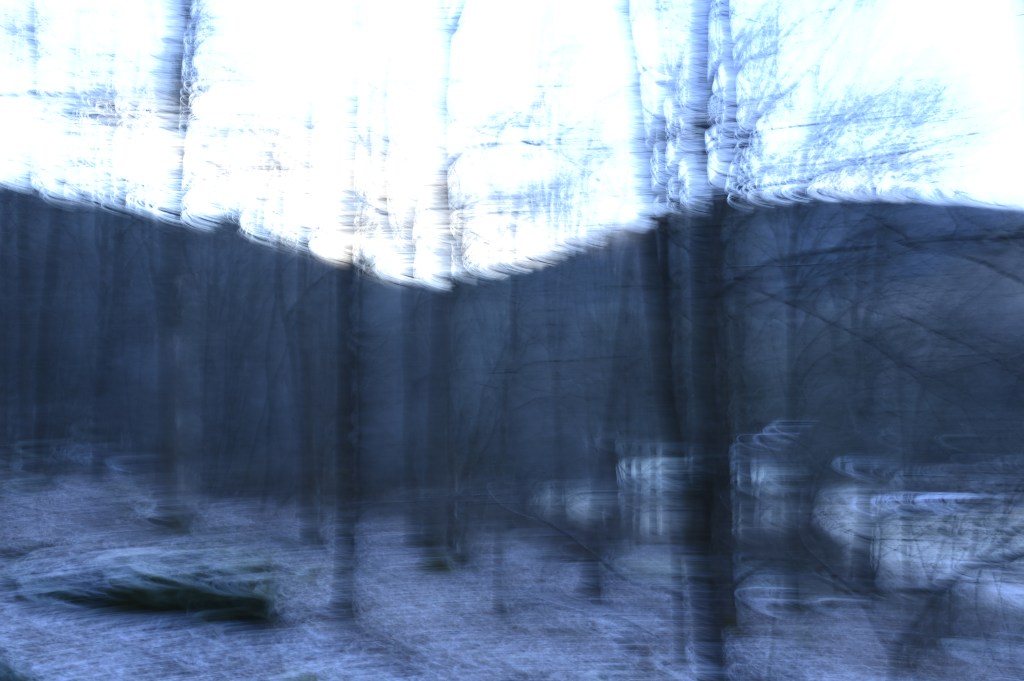
The first thing I did was crop to a 3:1 width to height aspect ratio, allowing me to get rid of the sky. I chose the 3:1 ratio because I wanted to be able to post this on Instagram and make use of the swiping features and how well square cropped pictures work on platform when used in the app. Note, the swiping isn’t as good on the browser versions of Instagram and won’t do this fiery forest picture as much justice. Just saying.
After cropping to 3:1, I went into the color curves adjustment tool of my image editing software and just started moving stuff around. I have GIMP 2.10, a free, open-source, image editor with a lot of powerful tools. I enjoy photography as a hobby, and I don’t see the need to get anything more powerful (and expensive) like photoshop. At least not at this time.
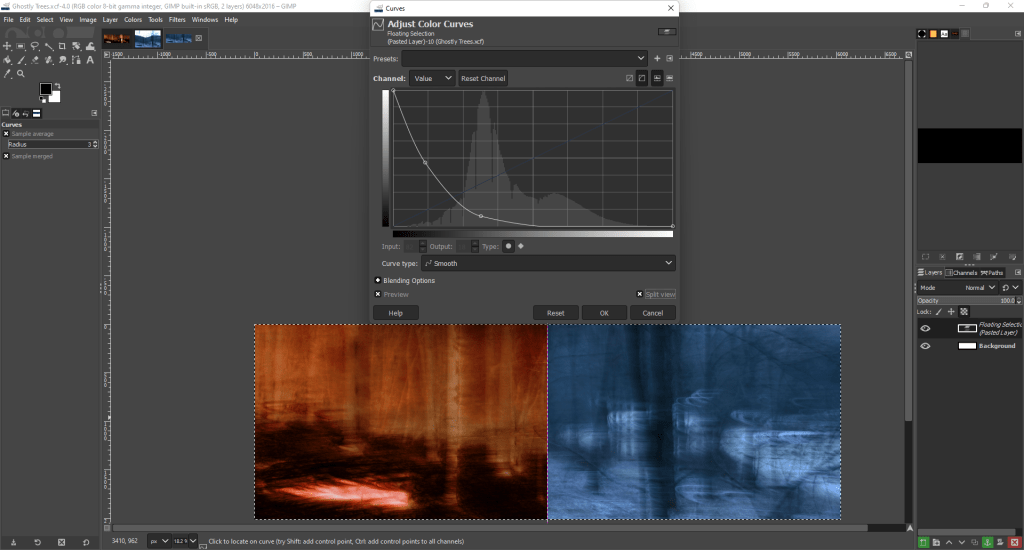
This was basically a color inversion and then I kept adjusting until I found something that looked cool. Very subjective, very vague, I’m really not trying to do a whole tutorial here but this was the basic idea. I went in after this color adjustment and tweaked the contrast and brightness until I liked it.
 Momentarily Captivated
Leave a comment